
By John Gruber

We’re just out
here a-havin’ fun
In that warm
California sunnn…
2025 App Store Award Winners: Tiimo, Essayist, and Detail
Friday, 5 December 2025
Apple, today: “Announcing the 2025 App Store Awards”:
This year’s winners represent the best-in-class apps and games we returned to again and again. We hope you enjoy them as much as we do.
I did not enjoy all of them as much as Apple did.
Tiimo
iPhone app of the year Tiimo bills itself as an “AI Planner & To-do” app that is designed with accommodations for people with ADHD and other neurodivergences. Subscription plans cost $12/month ($144/year) or $54/year ($4.50/month). It does not offer a native Mac app, and at the end of onboarding/account setup, it suggests their web app for use on desktop computers. When I went to the web app, after signing in with the “Sign in With Apple” account I created on the iPhone app, Tiimo prompted me to sign up for an annual subscription for $42/year ($3.50/month), or monthly for $10 ($120/year). The in-app subscriptions offer a 30-day free trial; the less expensive pay-on-the-web subscriptions only offer a 7-day free trial. The web app doesn’t let you do anything without a paid account (or at least starting a trial); the iOS app offers quite a bit of basic functionality free of charge.
From Apple’s own description for why it gave Tiimo the award:
Built to support people who are neurodivergent (and anyone distracted by the hum of modern life), Tiimo brought clarity to our busy schedules using color-coded, emoji-accented blocks. The calming visual approach made even the most hectic days feel manageable.
It starts by syncing everything in Calendar and Reminders, pulling in doctor’s appointments, team meetings, and crucial prompts to walk the dog or stand up and stretch. Instead of dumping it all into a jumbled list, the app gives each item meaning by automatically assigning it a color and an emoji. (Tiimo gave us the option to change the weightlifter emoji it added to our workout reminders, but its pick was spot on.)
While on the move with coffee in one hand and keys in the other, we sometimes talked to Tiimo with the Al chatbot feature to add new tasks or shift appointments. When we felt overwhelmed by our to-do list, Tiimo kept us laser-focused by bubbling up just high-priority tasks, while its built-in Focus timer (accessible from any to-do with a tap) saved us from the pitfalls of multitasking.
But Tiimo really stood out when we faced a big personal project, like getting our Halloween decorations up before Thanksgiving. With the help of Al, the app suggested all the smaller tasks that would get us there: gathering the decorations from the garage, planning the layout, securing the cobwebs, and doing a safety check.
Aside from the web app, Tiimo is iOS exclusive, with apps only for iPhone, iPad, and Apple Watch. No Android version. It seems to do a good job with native platform integration (Calendar integration is free; Reminders integration requires a subscription). Animations in the app feel slow to me, which makes the app itself feel slow. And, personally, I find Tiimo’s emphasis on decorating everything with emoji distracting and childish, not clarifying.
The app seems OK, but not award-worthy to me. But, admittedly, I’m not in the target audience for Tiimo’s ADHD/neurodivergent focus. I don’t need reminders to have coffee in the morning, start work, have dinner, or to watch TV at night, which are all things Tiimo prefilled on my Today schedule after I went through onboarding. As I write this sentence, I’ve been using Tiimo for five minutes, and it’s already prompted me twice to rate it on the App Store. Nope, wait, I just got a third prompt. That’s thirsty, and a little gross. (And, although I’m not an ADHD expert, three prompts to rate and review the app in the first 10 minutes of use strikes me as contrary to the needs of the easily distracted.)
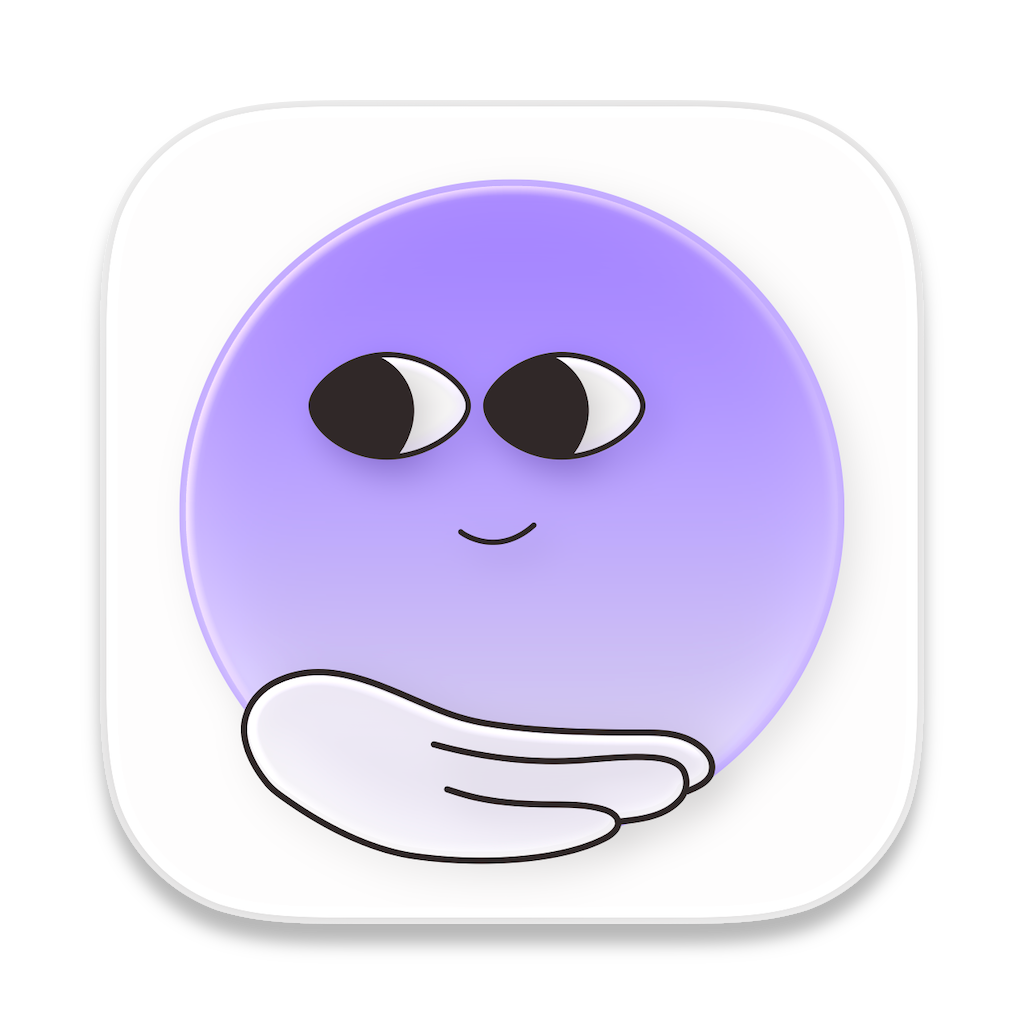
Lastly, I have questions — some really hard questions — regarding Tiimo’s app icon. Such as, “What is that?”
Essayist
Mac app of the year Essayist bills itself as “The Word Processor designed for Academic Writing” (capitalization verbatim). Subscriptions cost $80/year ($6.67/month) or $10/month ($120/year). Its raison d’être is managing citations and references, and automatically formatting the entire document, including citations, according to a variety of standards (MLA, Chicago, etc.). Quoting from Apple’s own description of Essayist:
Essayist gives you an easy way to organize a dizzying array of primary sources. Ebooks, podcasts, presentations, and even direct messages and emails can be cataloged with academic rigor. Using macOS Foundation Models, Essayist extracts all the key info needed to use it as a source.
For example, paste a YouTube URL into an entry and Essayist automatically fills in the name of the video, its publication date, and the date you accessed it. Drag in an article as a PDF to have Essayist fill in the title, author, and more — and store the PDF for easy access. You can also search for the books and journal articles you’re citing right in the app.
Essayist is a document-based (as opposed to library-based) app, and its custom file format is a package with the adorable file extension “.essay”. The default font for documents is Times New Roman, and the only other option is, of all fonts, Arial — and you need an active subscription to switch the font to Arial. (Paying money for the privilege to use Arial... Jiminy fucking christ. I might need a drink.) I appreciate the simplicity of severely limiting font choices to focus the user’s attention on the writing, but offering Times New Roman and Arial as the only options means you’re left with the choice between “the default font’s default font” and “font crime”. The Essayist app itself has no Settings; instead, it offers only per-document settings.
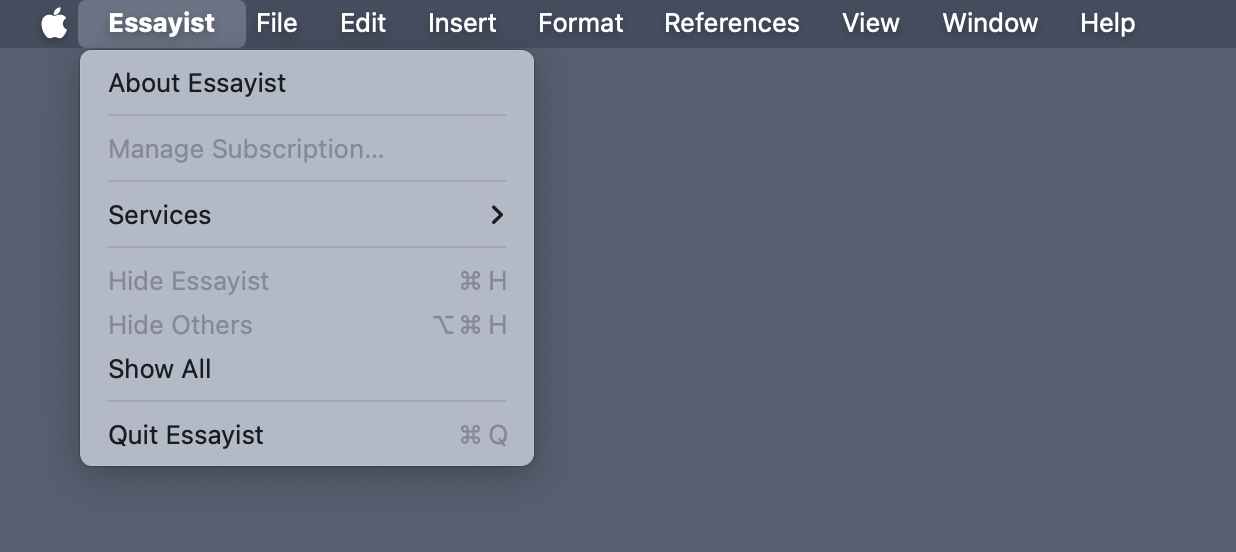
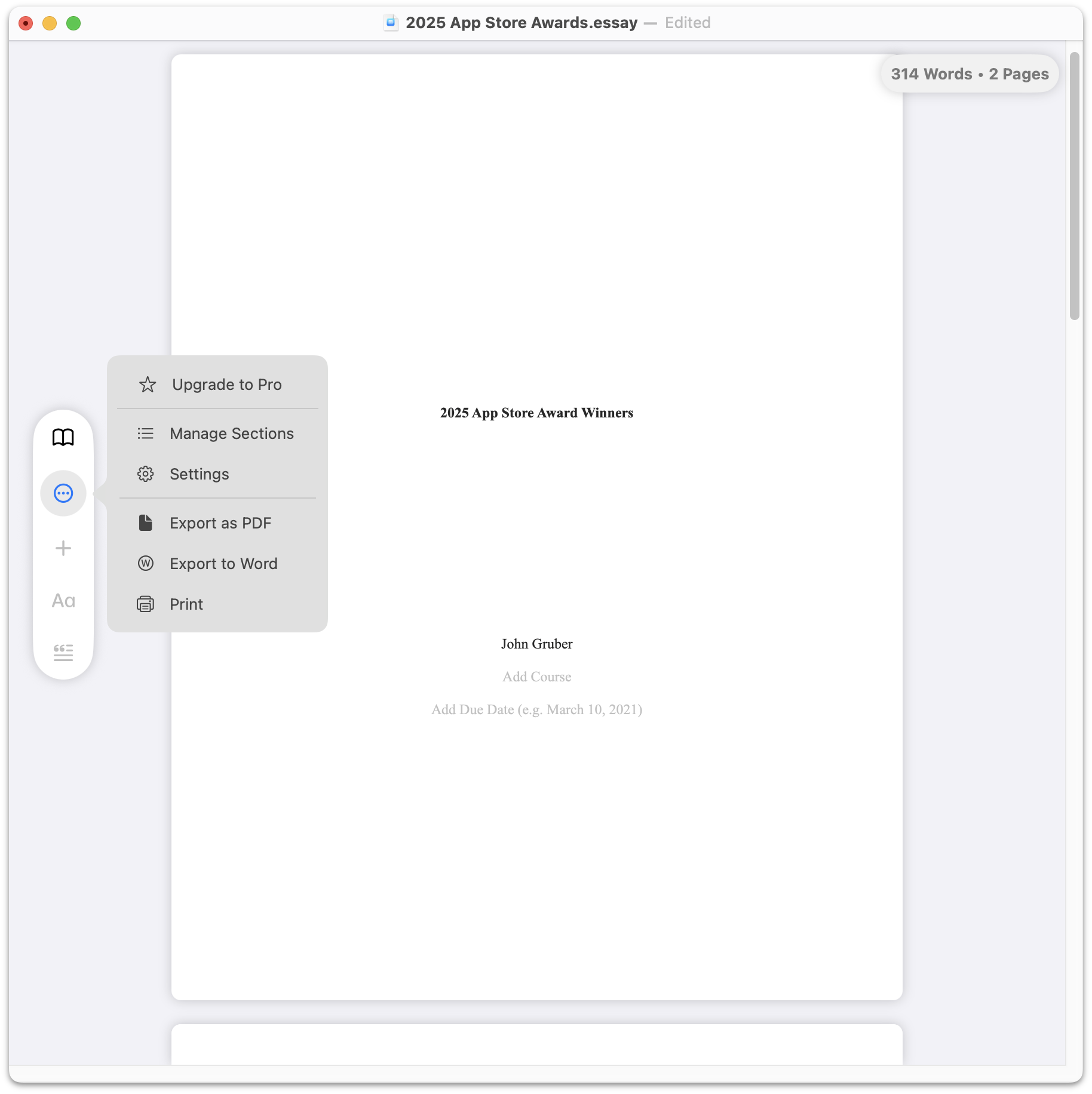
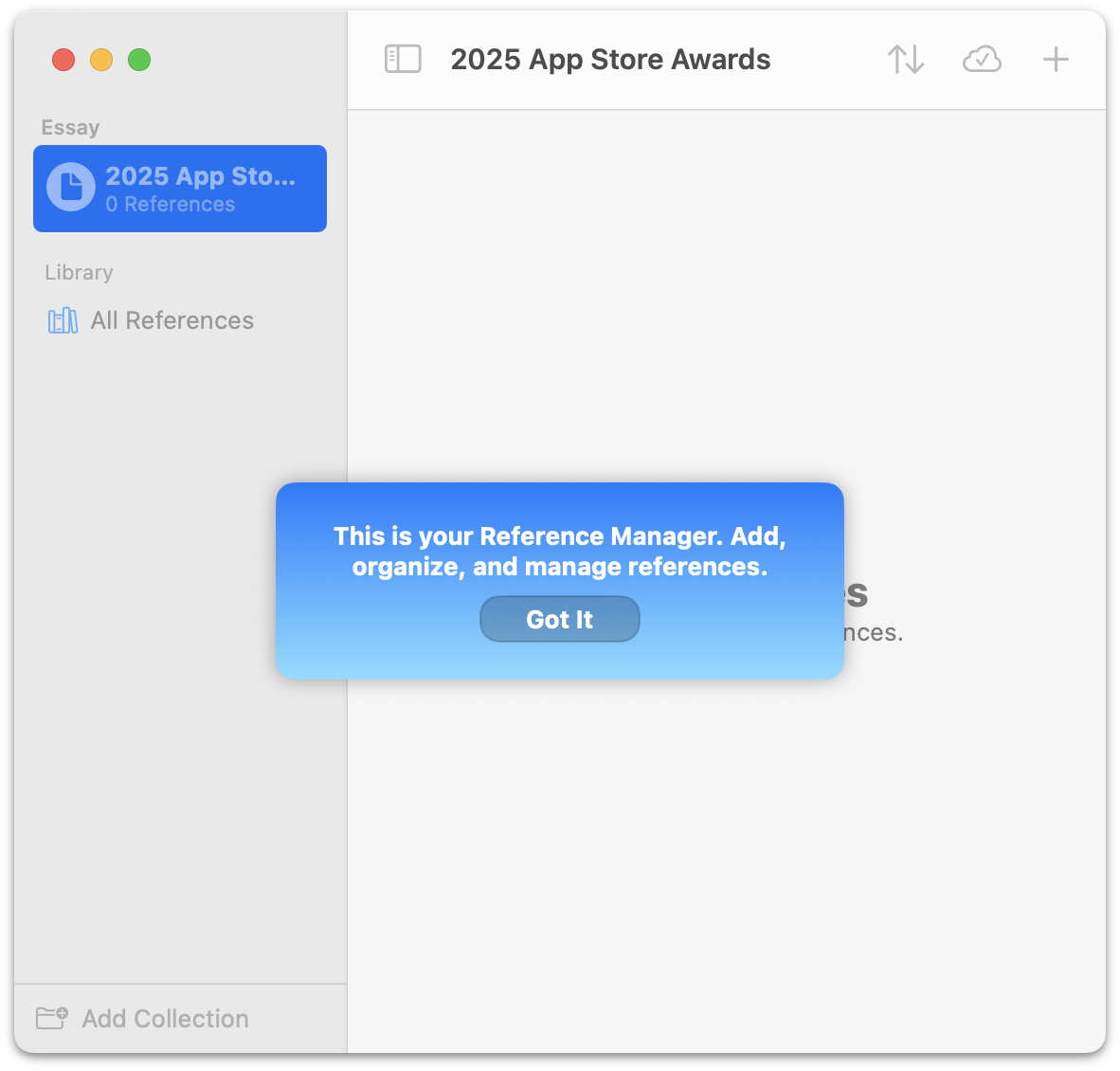
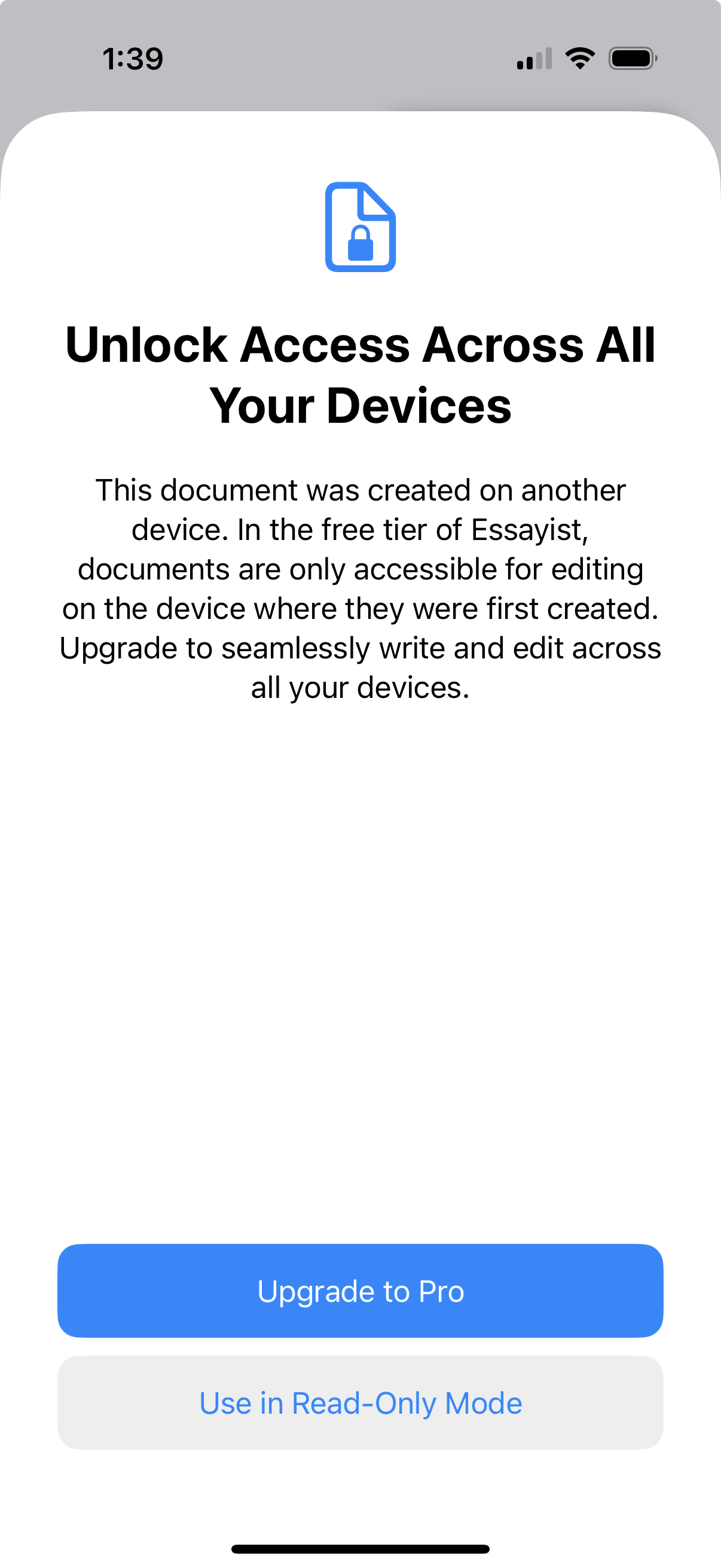
The app carries a few whiffs of non-Mac-likeness (e.g. the aforementioned lack of Settings, and some lame-looking custom alerts). The document settings window refers to a new document, even after it has been saved with a name, as “Untitled” until you close and reopen the document. Reopened documents do not remember their window size and position. But poking around with otool, it appears to be written using AppKit, not Catalyst. I suspected the app might be Catalyst because there are companion iOS apps for iPhone and iPad, which seem to offer identical feature sets as the Mac app. Essayist uses a clever system where, unless you have a subscription, documents can only be edited on the device on which they were created, but you can open them read-only on other devices. That feels like a good way to encourage paying while giving you a generous way to evaluate Essayist free of charge. There is no Android, Windows, or web app version — it’s exclusive to Mac and iOS.
I’ve never needed to worry about adhering to a specific format for academic papers, and that’s the one and only reason I can see to use Essayist. In all other aspects, it seems a serviceable but very basic, almost primitive, word processor. There’s no support for embedding images or figures of any kind in a document, for example. [Correction: Essayist does support figures, but I missed the UI for how to insert them.]
Detail
iPad app of the year Detail bills itself, simply and to the point, as an “AI Video Editor”. The default subscription is $70/year ($5.83/month) with a 3-day free trial; the other option is to pay $12/month ($144/year) with no free trial. After a quick test drive, Detail seems like an excellent video editing app, optimized for creating formats common on social media, like reel-style vertical videos where you, the creator, appear as a cutout in the corner, in front of the video or images that you’re talking about. The iPhone version seems equally good. The iPad version of Detail will install and run on MacOS, but it’s one of those “Designed for iPad / Not verified for macOS” no-effort direct conversions. But they do offer a standalone Mac app, Detail Studio, which is a real Mac app, written using AppKit, which requires a separate subscription to unlock pro features ($150/year or $22/month). Detail only offers apps for iOS and MacOS — no Windows, Android, or web.
From Apple’s own acclaim for Detail:
When we used Detail to record a conversation of two people sitting side by side, the app automatically created a cut that looked like it was captured with two cameras. It zoomed in on one speaker, then cut away to the other person’s reaction. The app also made it easy to unleash our inner influencer. We typed a few key points, and the app’s AI wrote a playful script that it loaded into its teleprompter so we could read straight to the camera.
Most importantly, Detail helped us memorialize significant life moments all while staying present. At a birthday party, we propped an iPad on a table and used Detail to record with the front and back cameras simultaneously. The result was a split-screen video with everyone singing “Happy Birthday” on the left and the guest of honor blowing out the candles on the right. (No designated cameraperson needed.)
Detail has a bunch of seemingly genuinely useful AI-based features. But putting all AI features aside, it feels like a thoughtful, richly featured manual video editor. I suspect that’s why the AI features might work well — they’re an ease-of-use / automation layer atop a professional-quality non-AI foundation. Basically, Detail seems like what Apple’s own Clips — recently end-of-life’d — should have been. It turns your iPad (or iPhone) into a self-contained video studio. Cool.
Of these three apps — Tiimo on iPhone, Essayist on Mac, and Detail on iPad — Detail appeals to me the most, and strikes me as the most deserving of this award. If I were to start making videos for modern social media, I’d strongly evaluate Detail as my primary tool.
Apple still has no standalone category for AI apps, but all three of these apps emphasize AI features, and Apple itself calls out those AI features in its praise for them. It’s an obvious recurring theme shared by all three, along with their shared monetization strategies of being free to download with in-app subscriptions to unlock all features, and the fact that all three winners are exclusive to iOS and Mac (and, in Tiimo’s case, the web).