By John Gruber

WorkOS: How SSO works and the fastest way to add it.
- Kagi Snaps
-
Kagi’s documentation:
Typing
@r headphoneswill search for “headphones” but limit the results to reddit.com (ris the short code for Reddit). This allows you to quickly find relevant content on a specific site using Kagi’s powerful index. It is effectively the same as doingheadphones site:old.reddit.com.Its relative, Bangs feature, invoked by using “!r headphones”, would redirect the user to Reddit’s internal search.
I learned about the snaps feature from a Kagi blog post a few months ago, and I’ve been loving it ever since. From that post:
You can also use Snaps to quickly search within Kagi’s knowledge base. For example, the
@helpsnap searches the Kagi help docs, handy for when you want to quickly look into a feature.User tip: “I recommend combining Snaps with the “I’m feeling lucky” bang:
!with no short code. Like searching@gh curl !to go to the curl repo.I’ve never actually looked any of these up. I just guessed at the ones I most want to use and they all worked on the first try.
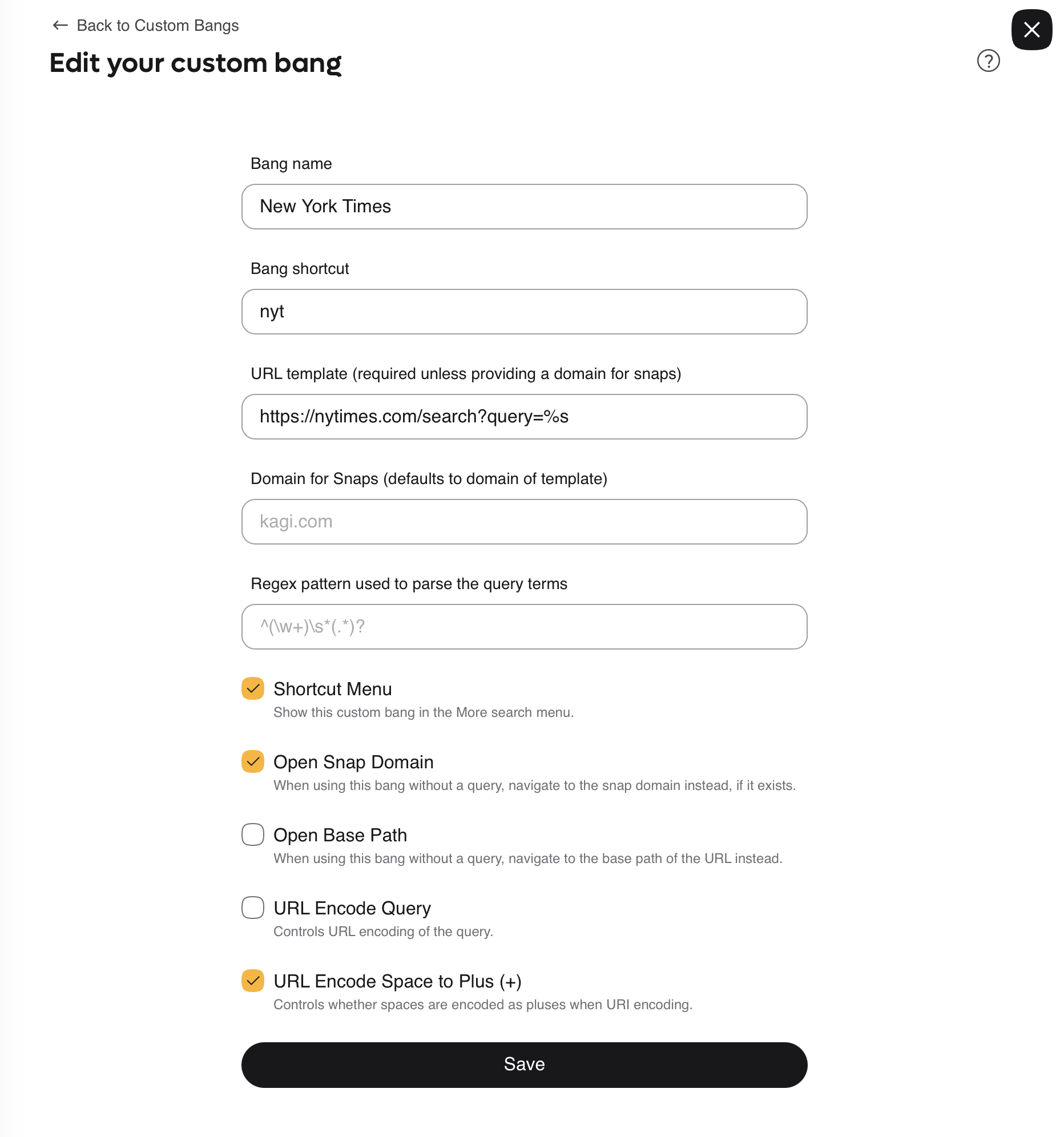
@nytreturns results from The New York Times;@wsjis for The Wall Street Journal. Take a guess what@dfdoes.And you can add your own custom bangs/snaps in Kagi’s settings. It’s easy. In fact, I created a custom
nytbang/snap shortcut to override Kagi’s default. Kagi’s built-innytbang/snap uses thequery.nytimes.comsubdomain, which is outdated. You get better results just usingnytimes.comwith no subdomain. [Update: One day after posting this, Kagi has updated their built-innytbang/snap to use the top-levelnytimes.comdomain. Nice.]Also: Does your preferred search engine have a well-written comprehensive user manual? Kagi does. Good documentation is a tell-tale sign of a great product and a company that puts users first. There exist good products with bad or no documentation, but there are very few poor products with great documentation.
★ Tuesday, 12 May 2026