By John Gruber

WorkOS: How SSO works and the fastest way to add it.
Linked List: November 19, 2020
Thursday, 19 November 2020
- How the U.S. Military Buys Location Data From Ordinary Apps ★
-
Joseph Cox, reporting for Motherboard:
The U.S. military is buying the granular movement data of people around the world, harvested from innocuous-seeming apps, Motherboard has learned. The most popular app among a group Motherboard analyzed connected to this sort of data sale is a Muslim prayer and Quran app that has more than 98 million downloads worldwide. Others include a Muslim dating app, a popular Craigslist app, an app for following storms, and a “level” app that can be used to help, for example, install shelves in a bedroom.
Through public records, interviews with developers, and technical analysis, Motherboard uncovered two separate, parallel data streams that the U.S. military uses, or has used, to obtain location data. One relies on a company called Babel Street, which creates a product called Locate X. U.S. Special Operations Command (USSOCOM), a branch of the military tasked with counterterrorism, counterinsurgency, and special reconnaissance, bought access to Locate X to assist on overseas special forces operations. The other stream is through a company called X-Mode, which obtains location data directly from apps, then sells that data to contractors, and by extension, the military.
Developers: Read this thread and please, please push back on growth hackers telling you to put random ass libraries in your apps.
There’s a whole seedy industry of location/data harvesting companies who pay the developers of popular (or even just semi-popular — anything with users) apps to include their frameworks in their applications. This is especially true for apps that ask for location permissions for legitimate purposes — things like weather or dating apps. If you, the user, grant the app location access, you’re granting it to all the frameworks embedded in the app too. That’s how this company X-Mode collects, packages, and sells the location data for untold millions of users who’ve never heard of X-Mode. They’re like privacy permission parasites.
X-Mode, specifically, isn’t the scandal — the scandal is the whole industry, and the widespread practice of apps just embedding them for the money without looking at what they do, or disclosing these “partnerships” to users.
- BBEdit 13.5 Has Been Updated for Apple Silicon for Over a Month ★
-
Bare Bones Software, back on October 15:
BBEdit 13.5 now runs natively on Apple Silicon, and introduces a Markdown Cheat Sheet, internal performance improvements, support for “rescuing” untitled documents, and numerous additions and refinements designed to improve efficiency. In all, version 13.5 includes more than a hundred new features, refinements to existing features, and fixes to reported issues. At present, only the BBEdit 13.5 application available directly from Bare Bones Software is Universal, while all applications in the Mac App Store currently remain Intel-only.
“Over the last 30 years, millions of people have turned to BBEdit to get the job done when the going gets tough,” said Rich Siegel, founder and CEO of Bare Bones Software, Inc. “That’s why we make sure BBEdit is first in place on day one: first on PowerPC, first on Mac OS X, first on Intel, first on the Mac App Store, and now first on Apple silicon. You can use BBEdit to make quick notes, write code, and do all the basics, but you can also use BBEdit to sift, process, and transform multi-gigabyte files, crunch through hundreds of thousands of files, and transform text in a truly dizzying variety of ways.”
If I recall correctly, BBEdit’s initial PowerPC update was a plug-in that ran inside the 68K app, just to speed up text transformations. It would have been surprising if BBEdit had not been first out of the gate to support Apple Silicon.
Here’s a BBEdit story. I was several hundred words into my iPhone 12 review last month, went to get another cup of coffee, came back, and boom, the MacBook Pro I was using had kernel panicked. This machine hadn’t kernel panicked in years. It hasn’t kernel panicked again since. Murphy’s Law was trying to screw me.
I hadn’t saved what I’d written yet. Now, it was only a few hundred words, but they were an important few hundred words, the ones that got me started. The words that got the wheels turning, that got momentum going.
Rebooted. Took a sip of coffee. Logged in.
Looked at BBEdit. There it was. Right where I left off.
That’s BBEdit.
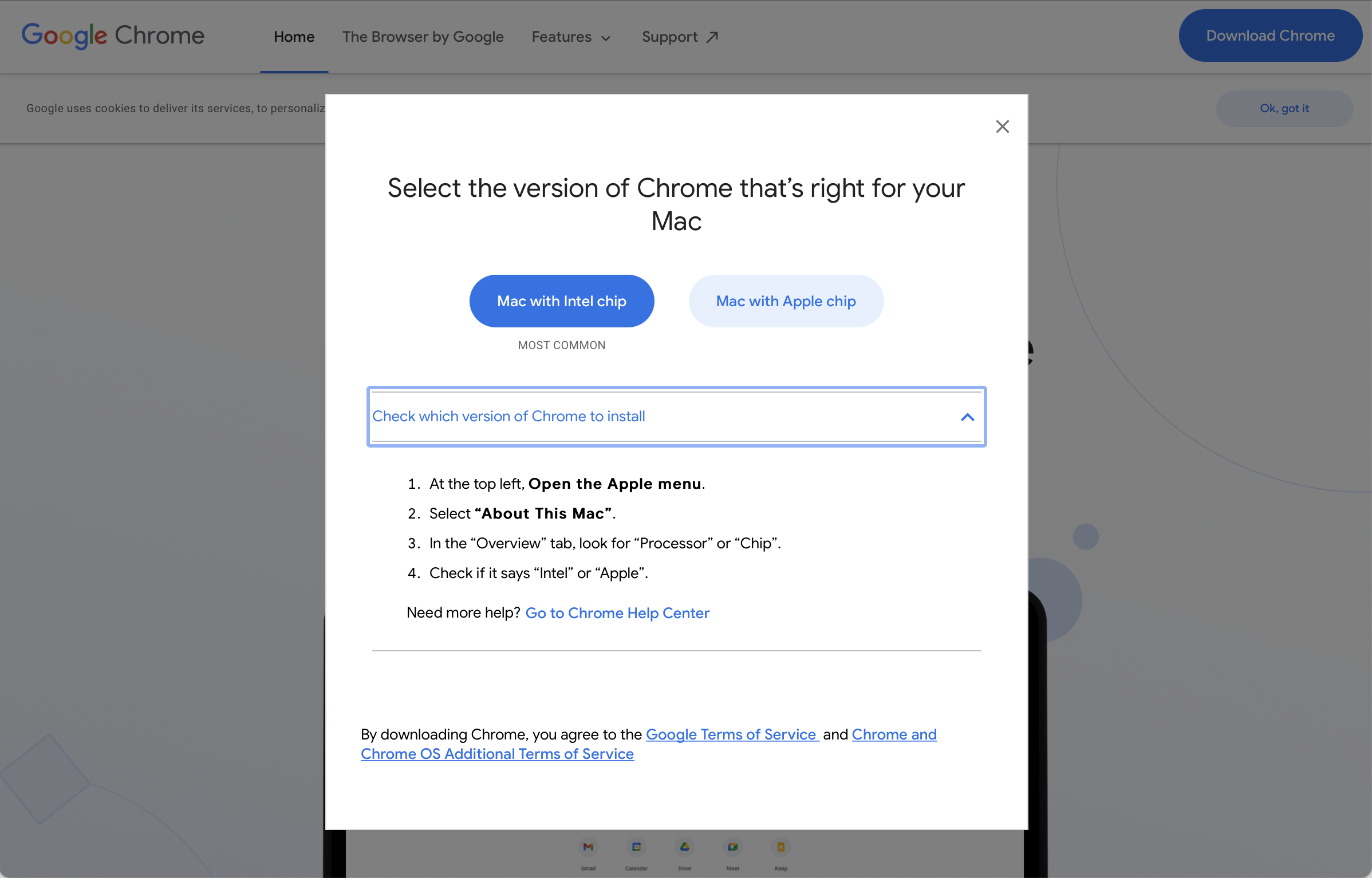
- Google Chrome Updated for Apple Silicon, in the Most Confusing Way ★
-
Jim Salter, writing for Ars Technica:
Google presents Chrome for download as either an x86_64 package or an M1 native option — which comes across as a little odd, since the M1 native version is actually a universal binary, which works on either M1 or traditional Intel Macs. Presumably, Google is pushing separate downloads due to the much smaller file size necessary for the x86_64-only package — the universal binary contains both x86_64 and ARM applications, and weighs in at 165MiB to the Intel-only package’s 96MiB.
The Intel binary of Chrome running through Rosetta on M1 Macs wasn’t slow, but the native version is, unsurprisingly, a lot faster. Salter ran a bunch of benchmarks, though, and Safari is still faster than native Chrome on MacOS 11 Big Sur on M1 Macs.
Google is definitely doing this wrong, asking users to navigate this before downloading. Chrome is supposedly for everyone, not just nerds. Plus, if you already have the Intel-only build installed on an M1 Mac, Chrome’s weird auto-update feature isn’t updating to a native Apple Silicon build. Google has trained Chrome users for years not to do anything, to just trust that Chrome will automatically keep itself up to date, but typical users with the Intel build installed are going to be running at half speed through Rosetta.
Here’s a detailed discussion on the Chromium developer forum discussing the pros and cons of simply shipping a universal binary. The basic gist is that Chrome is so large, doubling the compiled binary footprint for a universal build was deemed problematic for all users. Why make the majority of Mac users still on Intel-based Macs download a version twice as large? I’d say the problem is that Chrome is too bloated. They should ship a universal binary to everyone and get to work slimming Chrome’s footprint. Maybe some work on that would help Chrome catch up to Safari performance-wise.
- Pixelmator Pro 2.0 Updated for Big Sur and Apple Silicon ★
-
Pixelmator:
The Pixelmator Pro editing engine is powered by high-performance Metal code, so we can take advantage of the unified memory architecture of the M1 chip to bring you much speedier and much more responsive image editing. Machine learning tasks like ML Super Resolution are now up to a staggering 15 times faster on the new Macs. And, as a Universal app, Pixelmator Pro 2.0 runs natively on both M1 and Intel-based devices, so we’re completely ready for the new era of Mac.
I can vouch for that — I was using Pixelmator Pro 1.8 through Rosetta when I initially started testing the M1 MacBook Pro last week. It worked fine, and felt comparable to running it on an Intel Mac. But ML Super Resolution — a truly mindbendingly cool feature — went from a “worth the wait” type of feature running the old version via Rosetta, to a “wait, is it really that fast now?” feature running version 2.0 natively on the M1 MacBook Pro.
Most of the M1 Mac benchmarks we’ve been seeing are testing the CPU and GPU, because that’s something we can compare head-to-head with Intel Macs and Windows PCs. But ML features that run through the Neural Engine are new territory. 15 times faster sounds too good to be true, but it’s true. And Pixelmator Pro’s ML Super Resolution feature isn’t some weird esoteric thing — it’s the sort of feature anyone who ever upscales photos might want to use.